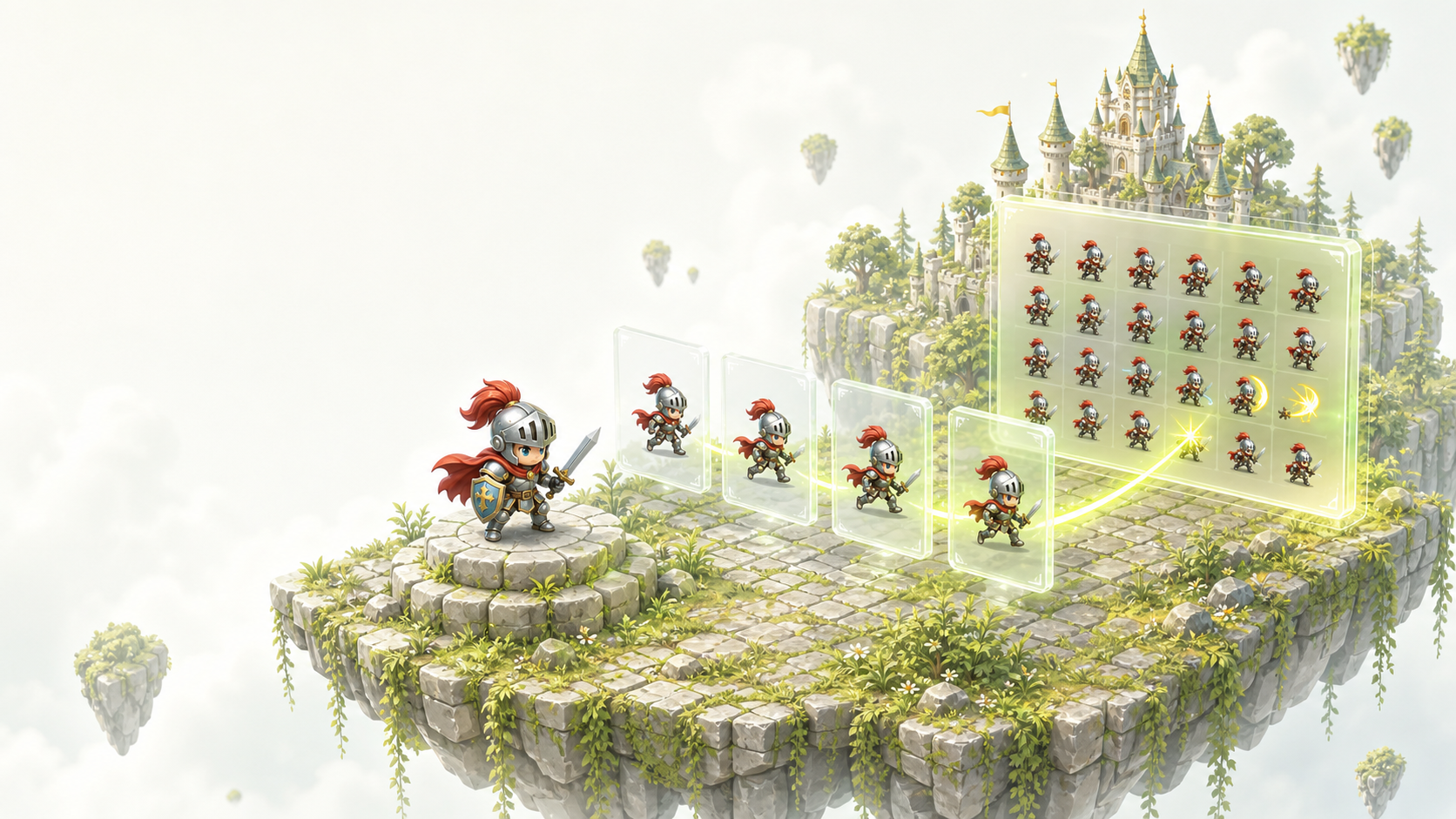
Consistent motion
Generate a clean loop with matching character proportions across frames.
 Spritedrop
Describe the asset, choose the motion, and export a clean sprite sheet, frame sequence, preview loop, and metadata.
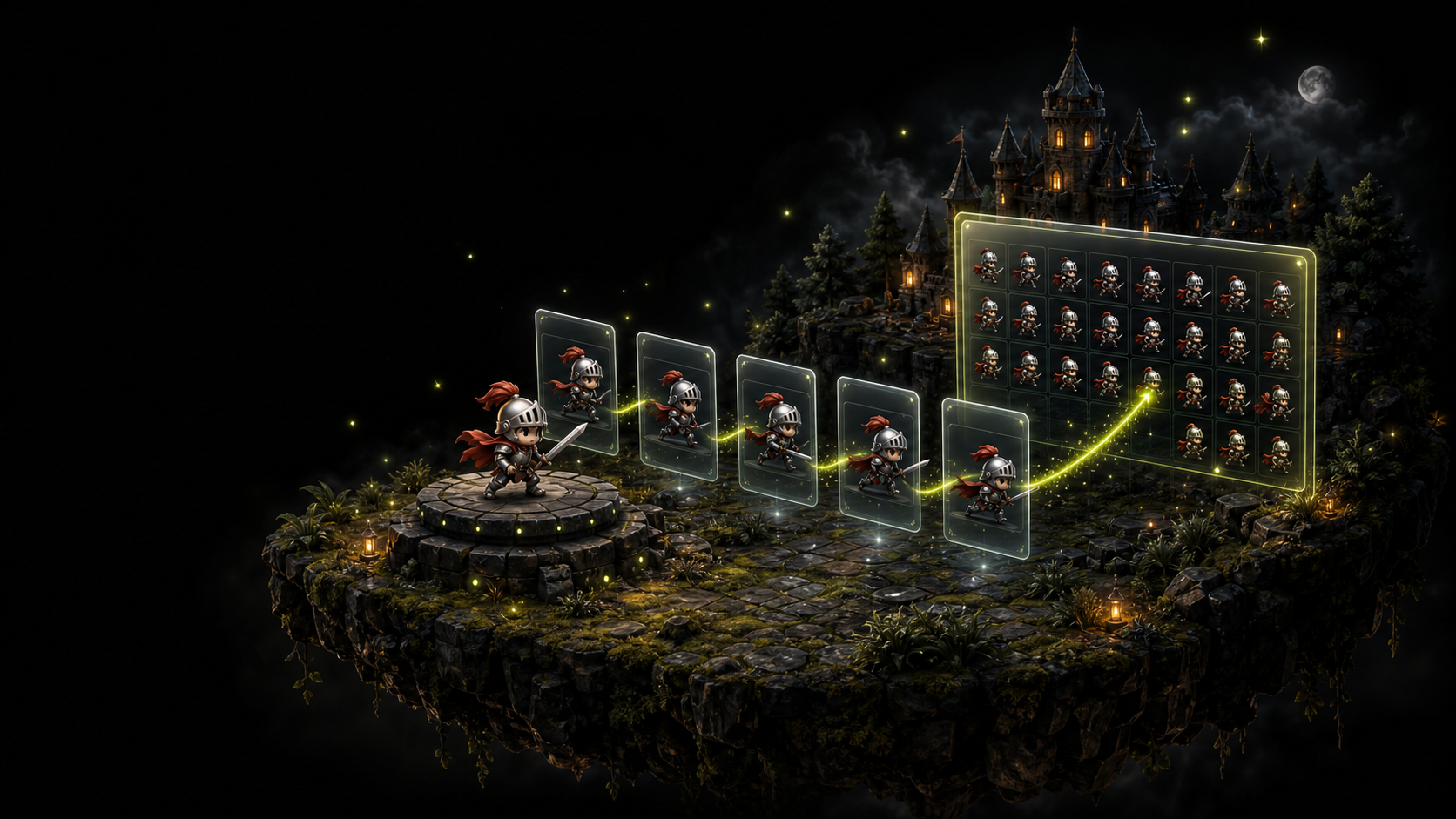
Prompt, preview, export, and store the same pack without jumping between tools.
Generate a clean loop with matching character proportions across frames.
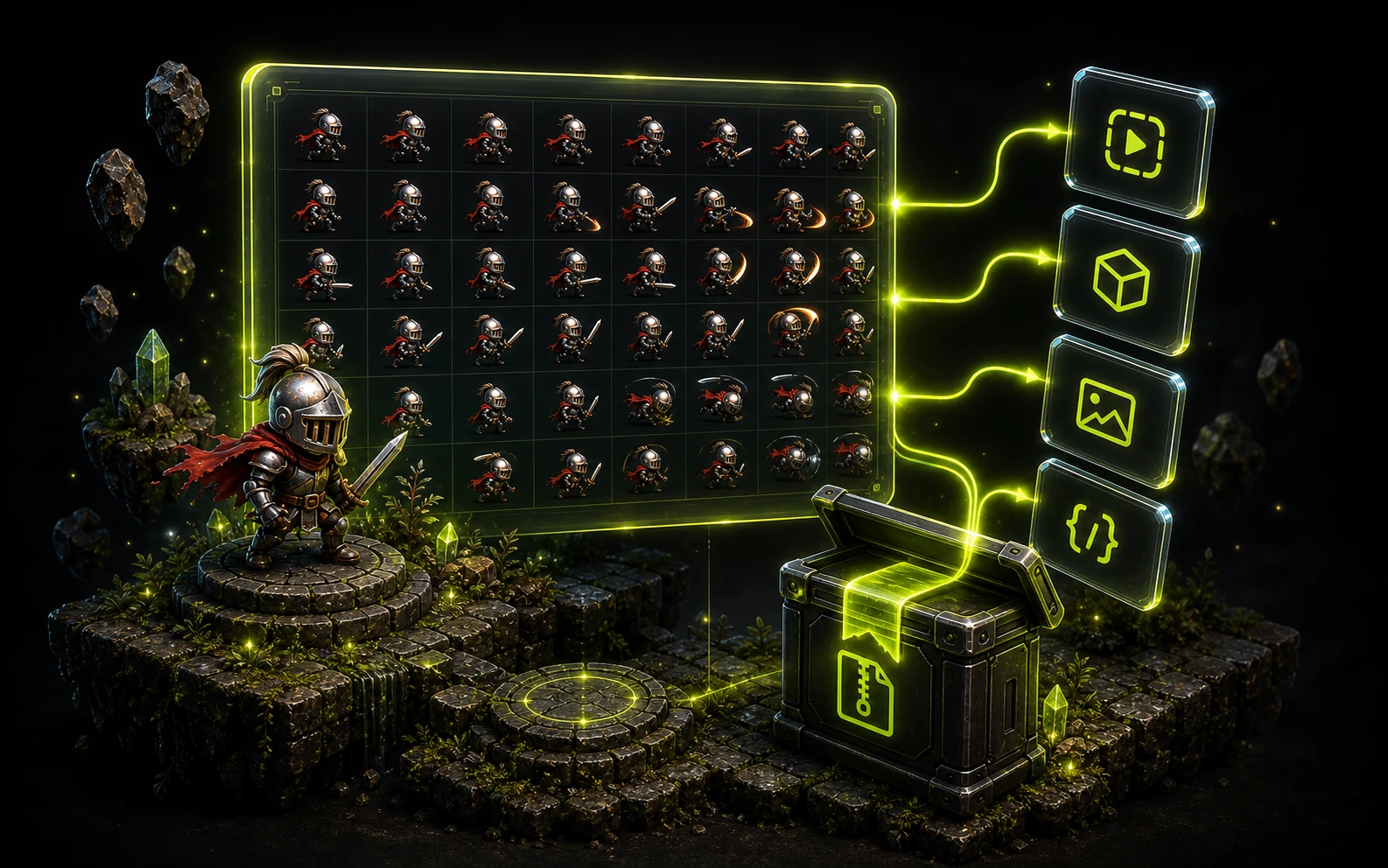
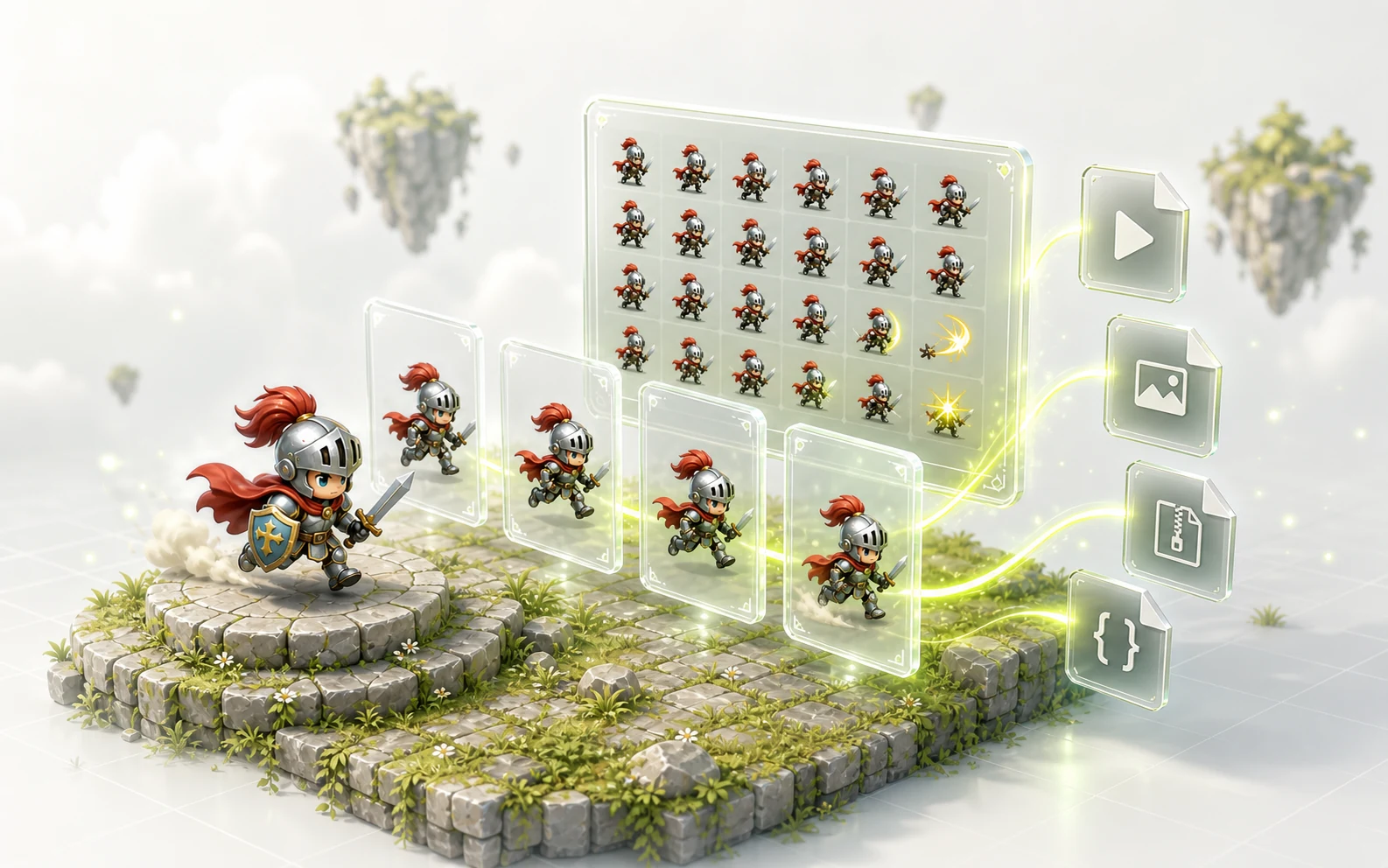
Download preview GIFs, transparent PNG frames, sprite sheets, and metadata.
Keep completed packs attached to your account so teams can revisit them.
Use one creator for characters, enemies, pickups, props, UI icons, and environment details.
Each feature maps to a concrete export or workflow step, not just a marketing claim.
Turn a short asset prompt into a complete animation package.
Review the loop and download every transparent PNG frame.
Use sheet PNG and metadata in the engine workflow you already have.
Keep completed packs attached to your account for reuse.